
Compare Instagram profiles without rebuilding spreadsheets.
Trendlyst saves analyzed profiles locally and lets you compare compatible profile datasets side by side for faster benchmarking.
Free core extension · No Instagram password shared
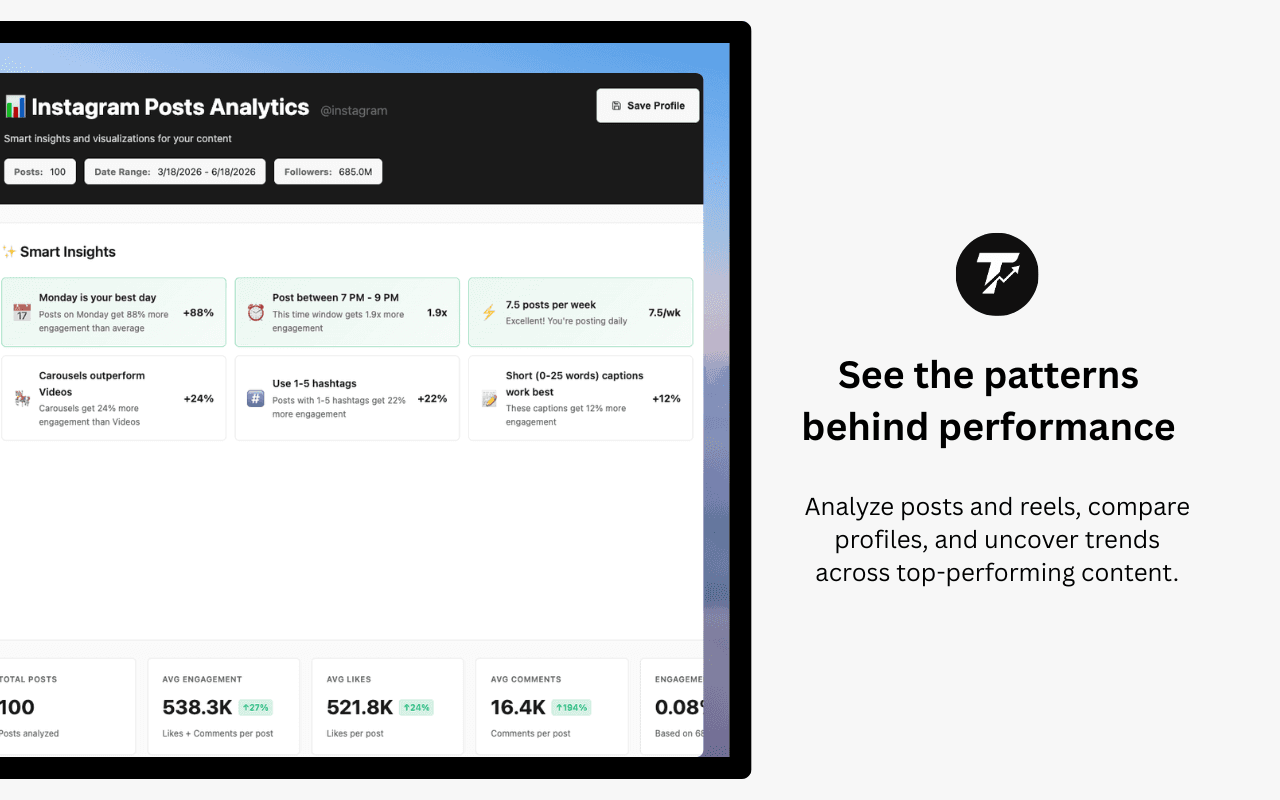
- Creator benchmarking
- Profile library
- Reels comparison
- Campaign research
Build a profile library from real analysis
Save profiles after analyzing them so you can revisit or compare performance later.
- Save feed and Reels analyses separately where applicable.
- Select two to five compatible profiles for comparison.
- Open saved profiles quickly from the library.
Benchmark creators and competitors
Comparison helps you see whether one profile's content mix, cadence, or engagement patterns stand apart.
- Compare top posts and summary metrics.
- Review same-content-type profiles side by side.
- Use findings for influencer research, strategy, or reporting.
Put it to work
- Shortlist creators for a partnership campaign.
- Benchmark competitor profiles before planning content.
- Compare your own Reels against similar accounts.
- Prepare a client-facing competitive audit.
Build a complete workflow with our Instagram research features, or compare Instagram research tools before choosing.
Common questions
How many profiles can I compare?
Trendlyst supports comparison for two to five selected saved profiles of the same content type.
Where are saved profiles stored?
The extension profile library is local to the browser workflow, while account-backed dashboard features use Trendlyst services where required.
Can I compare posts and Reels together?
Comparison is intended for profiles with the same content type so metrics stay meaningful.
Make your next scroll a little more useful.
Start with a profile. Find the posts worth studying. Bring your own point of view.